Feature · Lead capture
Collect contact details at the right moment in a conversation.
Enable lead capture in Chatyx to offer an interested visitor a form, review their enquiry and prepare a follow-up with your team.
Answer first, then invite contact
A visitor may start with a question about a service, product or property. The chatbot uses your sources to answer. When capture is enabled and the conversation flow calls for it, it can invite the visitor to leave contact details.
The widget form collects information entered by the visitor. A conversation does not automatically become an actionable lead: the visitor needs to provide the required details.
Choose settings that suit your use case
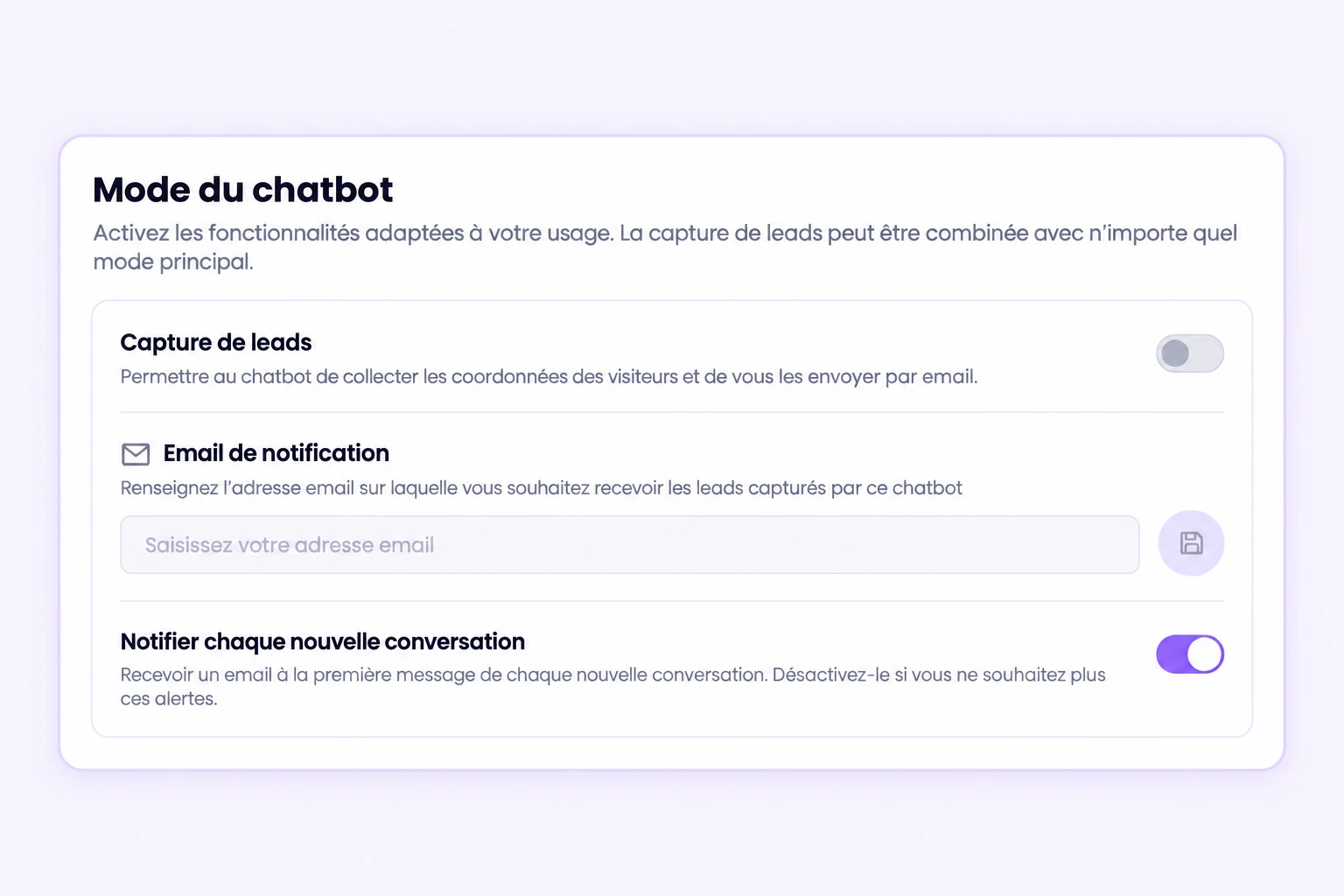
Lead capture is a chatbot setting that can be combined with its main mode. Enable it and check the information requested by the form, then the notification destination if you want email alerts.
The illustration shows example settings with capture switched off. Enable it in your own chatbot and test the flow before opening it to visitors.
Review the enquiry and decide what comes next
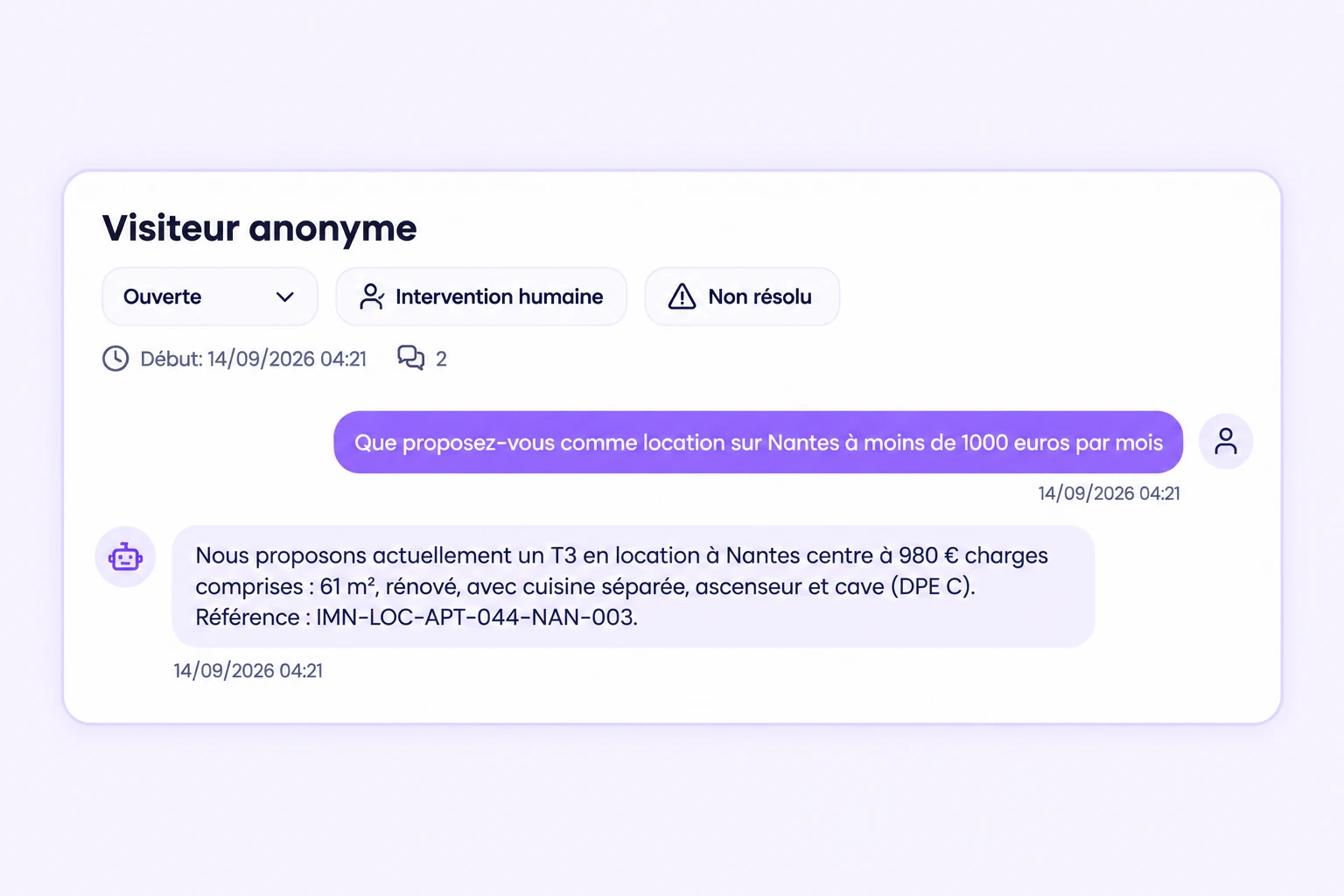
The conversation workspace helps you review exchanges and recover the context of an enquiry. Depending on your settings, a notification can also alert you to a captured contact. Your team checks the information before replying.
Example scenario: someone asks about an apartment, then leaves contact details for a follow-up. The agency picks up the enquiry and agrees on the next step. This example does not promise automatic appointments or universal CRM synchronization.
Check the flow before launch
- Ask a realistic question and check that the form is offered at the expected point.
- Use your own test contact details, then check receipt and association with the enquiry.
- Review the notice explaining how the visitor’s contact details will be used.
- Distinguish offered, displayed, submitted and abandoned forms in the available metrics. These counts are not sales.
The form described here concerns the website widget. Messaging-channel flows need separate checks: their interface and available information differ.
Install the widget on WordPress · Understand data processing